How does a synced calendar work?
If you have synchronized your calendar here are some things you should understand.
✅ Blocked hours or days in your personal calendar will automatically block you in the booking calendar in Keyguides Connect
Make sure to add events to your calendar that are seen as "busy" and not "free".
All elements added to your calendar will make that time slot not bookable by a customer.
Working Hours is a good tool to use for you. It adds a "filter" on top of your calendar so that you dont have to block out early mornings, nights or other parts of the week you dont want to be booked. Change this by clicking the "Edit Working Hours" in Calendar
❌ We will not reflect your calendar content inside Keyguides Connect Dashboard. Not in Dashboard or Calendar.
We will never see the contents of your calendar.
When we have read & write access, we read the blocked times and we write your bookings.
Where should you check if your calendar is synchronizing?
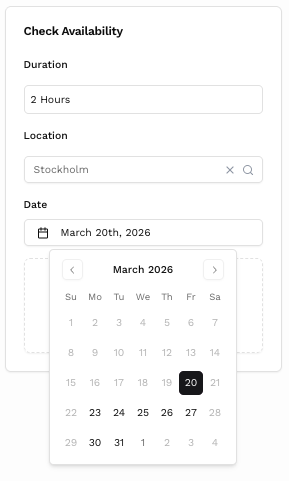
By going to your public page and trying to book yourself or your tours. You find your public page link under your profile by clicking "view profile".
You should see the available dates reflected like your connected calendar.
Premium subscription is required
Connecting your calendar is a premium feature and you would need to upgrade to premium to be able to access it. This is due to the extra cost we have for this feature.
Frequently Asked Questions
Related Articles
Learn how we use synchronized calendars to prevent double booking and our alternative virtual calendar. All on Keyguides Connect, to give guides less admin.
How to set you availability with our calendar setup. Setting working hours including buffer time and time of day.